Flowcreate
Flowcreate offers designers an inspiring starting point for their concepts. It allows the creation of interaction flows based on prompts for initial ideas and quick explorations.

Idea
The plugin was developed out of my own need. When designing new concepts, I often create rough initial sample flows at an early stage to outline the necessary functionalities and gain an impression of the complexity. This step usually requires less creativity than the sensible application of best practices. I thought that AI would be predestined to take on this tedious work.
In addition, I wanted the results to be adaptable to specific projects and styles. That's why it was important to me to give users the option to customize the components used or add their own.
How it works
The prompts are sent to the OpenAI GPT API via a backend. In the code, the AI is instructed to interpret the task like a UX designer and derive logical interaction sequences from it.
In addition, the AI receives structured descriptions of the available UI components stored in the code. The AI uses this information to generate a JSON that specifies how the screens and flows should be structured.
Figma reads this JSON and implements the screens and flows with the components actually available in the document.
Users can enter any prompt to generate screens and logical flows based on the available components.
Users can adjust all of the existing components or add new ones to fit their specific needs. Information such as variants, text names, and descriptions can be loaded with a single click.
 Sample output generated by Flowcreate
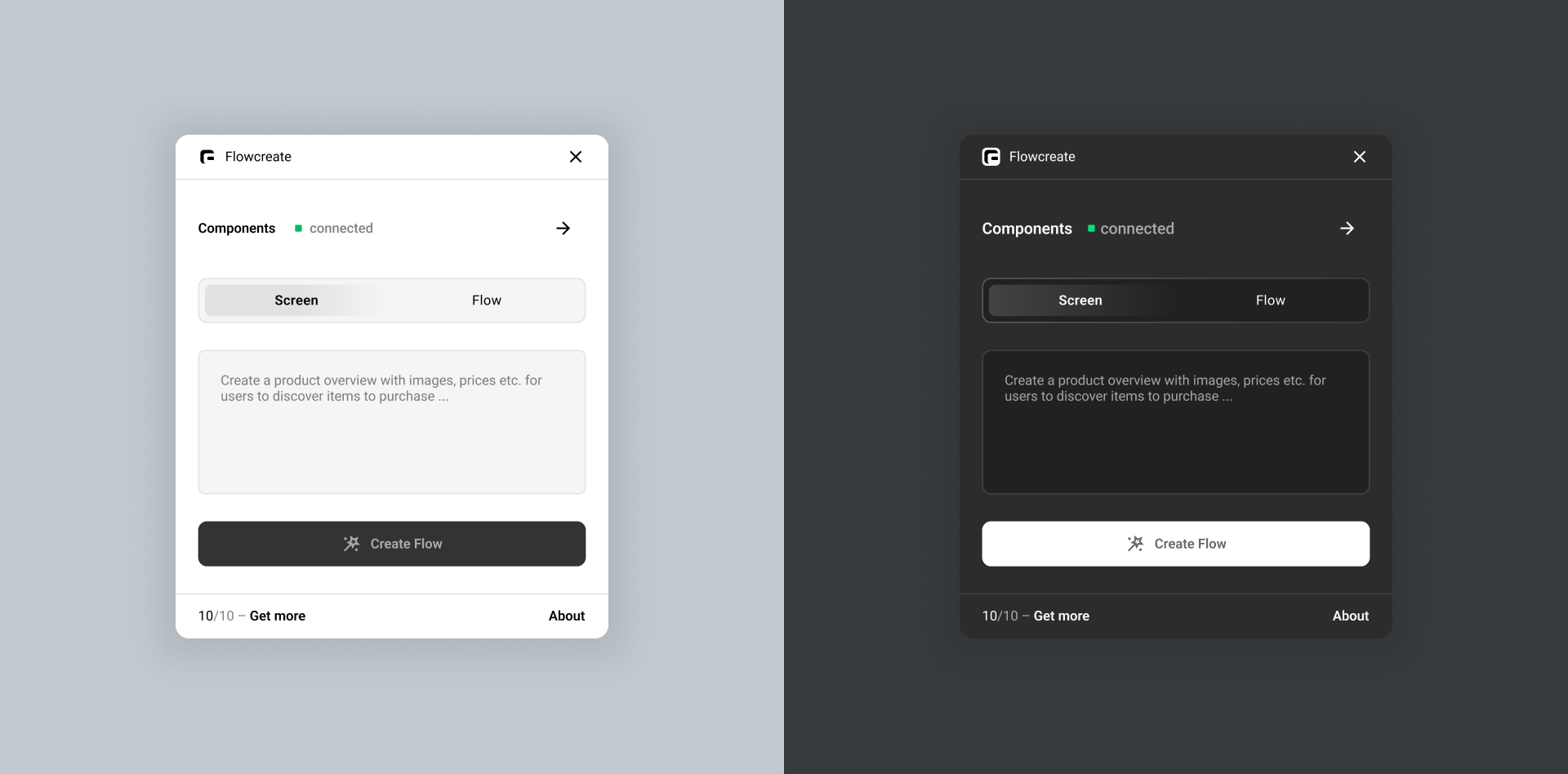 Plugin in light and dark version