Arbeit-in
Smartphone app that assists refugees with career orientation in Germany. The app is currently in development.

Goal
The goal was to develop an app that helps refugees with career orientation in Germany.They should have the opportunity to learn about their value for the job market in a guided flow and ultimately create a document that will help them with job applications and administrative procedures.
Flow
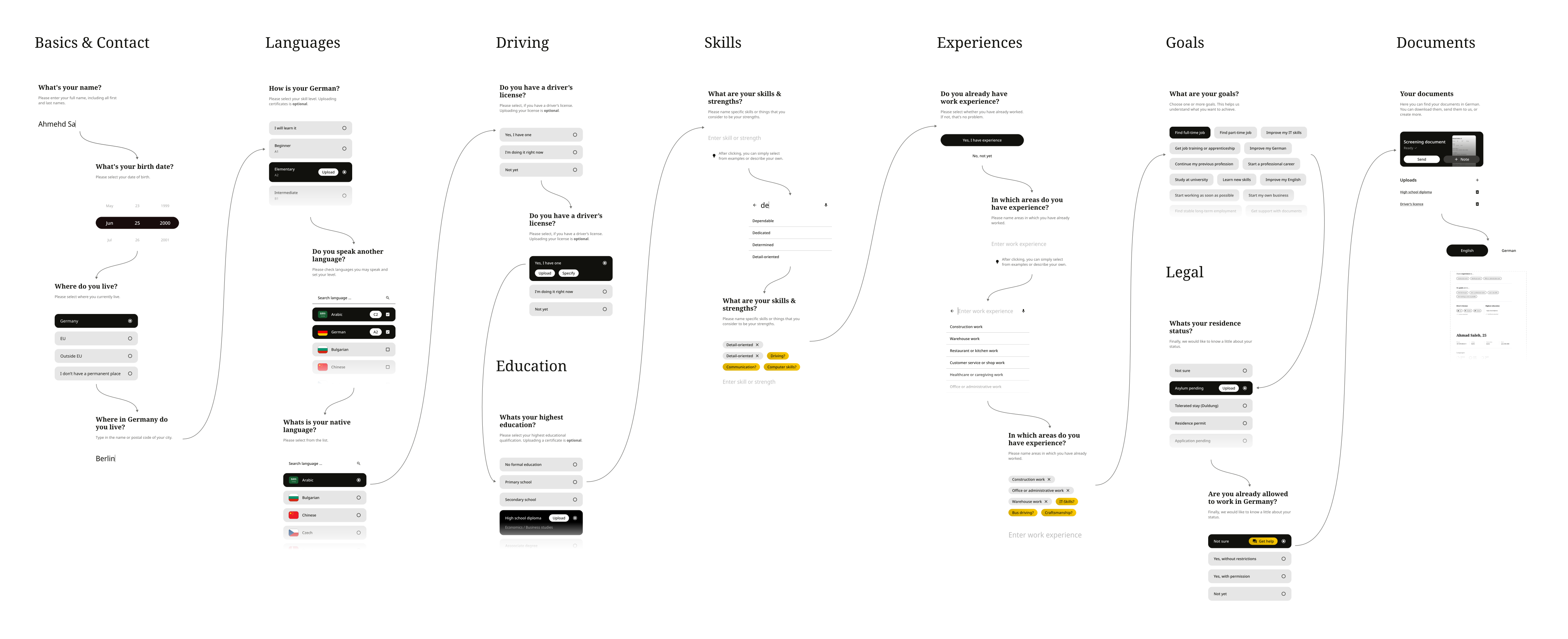
Based on the research results, I planned the general flow. Basically, users should be able to create a comprehensive profile by answering simple questions. The answers should be further simplified by targeted AI suggestions.
It was important to me to present the content in such a way that users can answer relatively simple questions at the beginning of the process and more complex topics are dealt with later, once some trust has been established and effort has been invested.
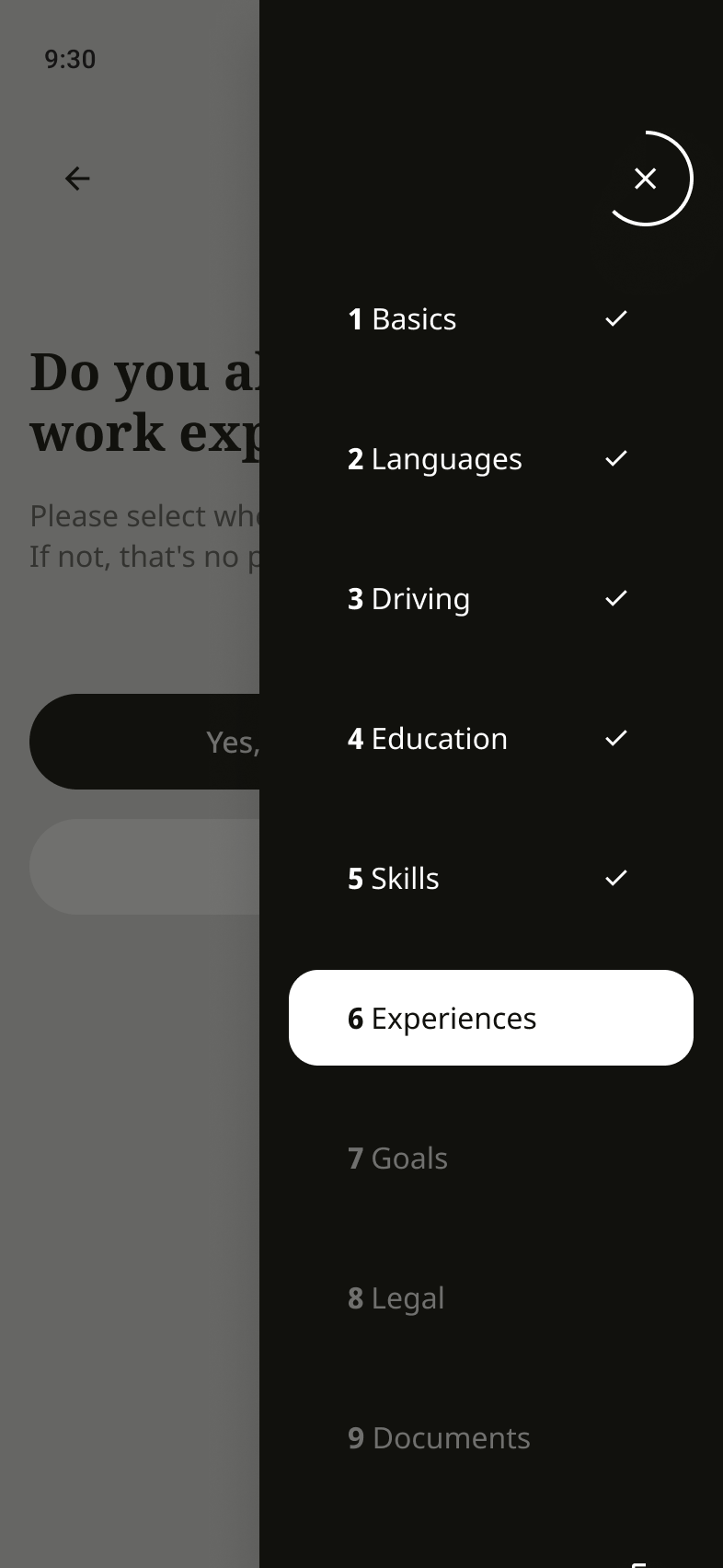
In addition, I wanted to make the process as transparent as possible for users. For this reason, I decided to visualize the progress in the form of a progress bar that shows users how far they have come and how much they still have to go.
Design
The app is designed to be easy to use, accessible and culturally inclusive. To ensure the service is as quick as possible, it was important to me to minimise the need for text input as much as possible. AI is used here to anticipate possible responses.
The colour palette is dominated by various shades of grey with just a few accents, in order to convey a message that is as neutral as possible and to give accent colours greater impact when they are used. In addition, very high contrasts have been chosen to present the information clearly and with as few barriers as possible.
The images used show possible work areas and locations in Germany, and are intended to motivate users throughout the process.

Login process
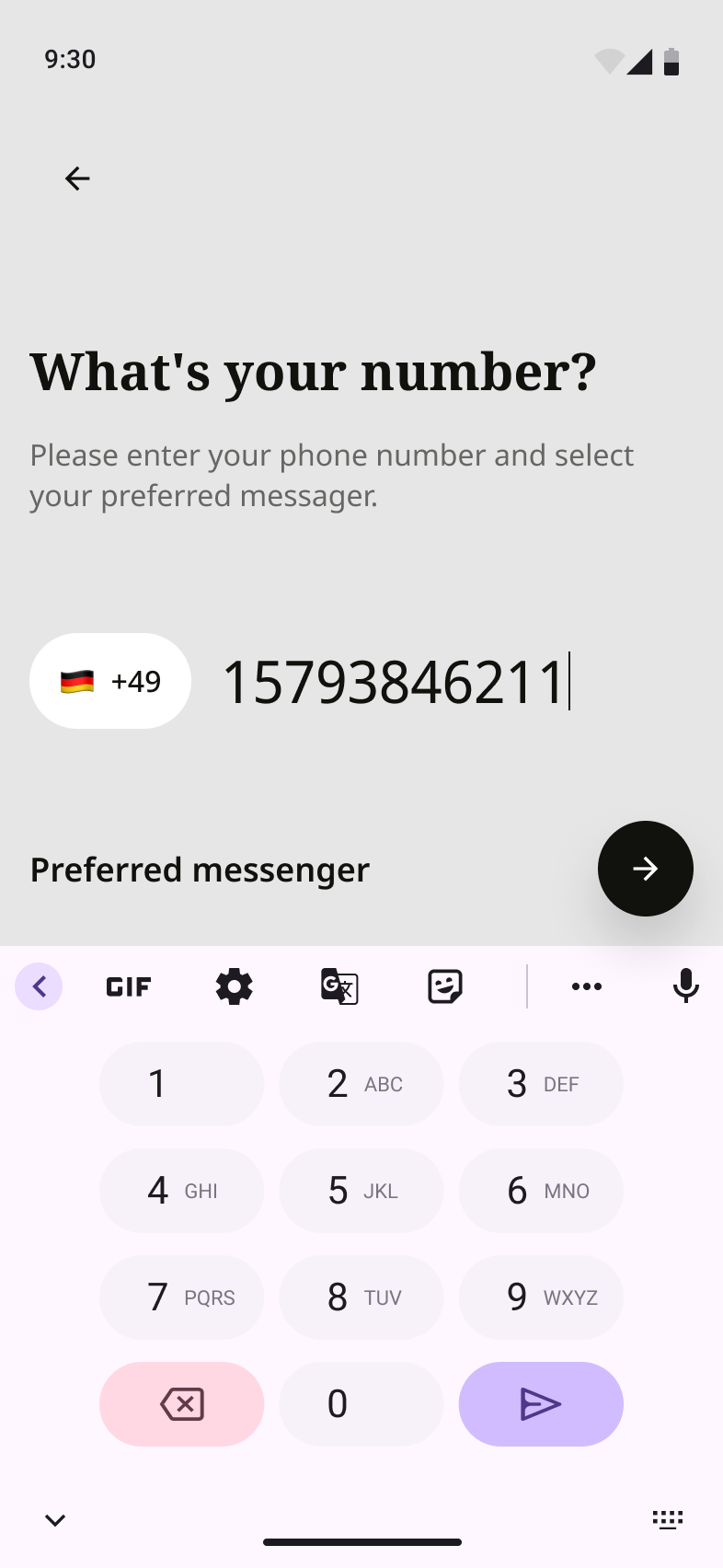
Smartphones and various messaging services are the primary method of logging in. To ensure optimal usability, the most important buttons are always positioned at the bottom right.
Announcement of upcoming sections
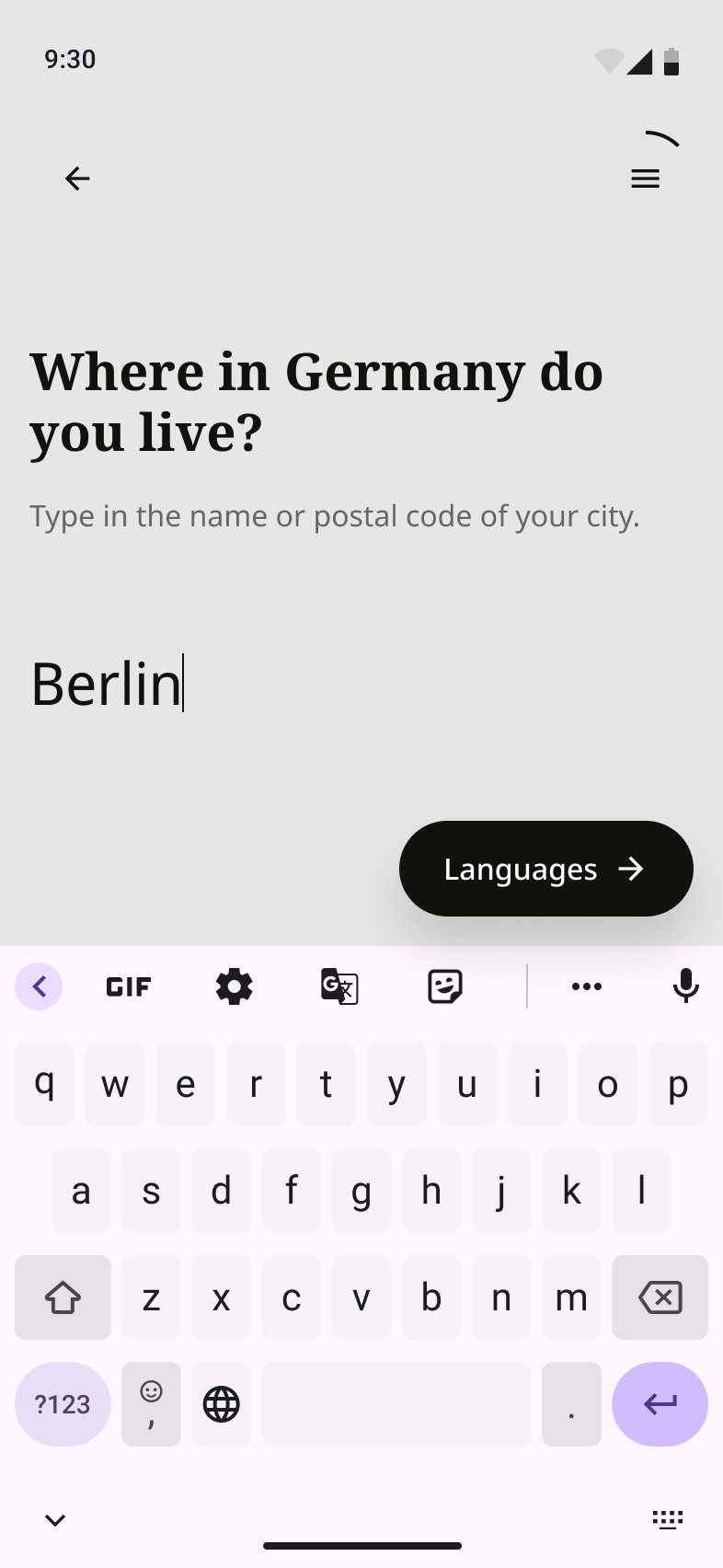
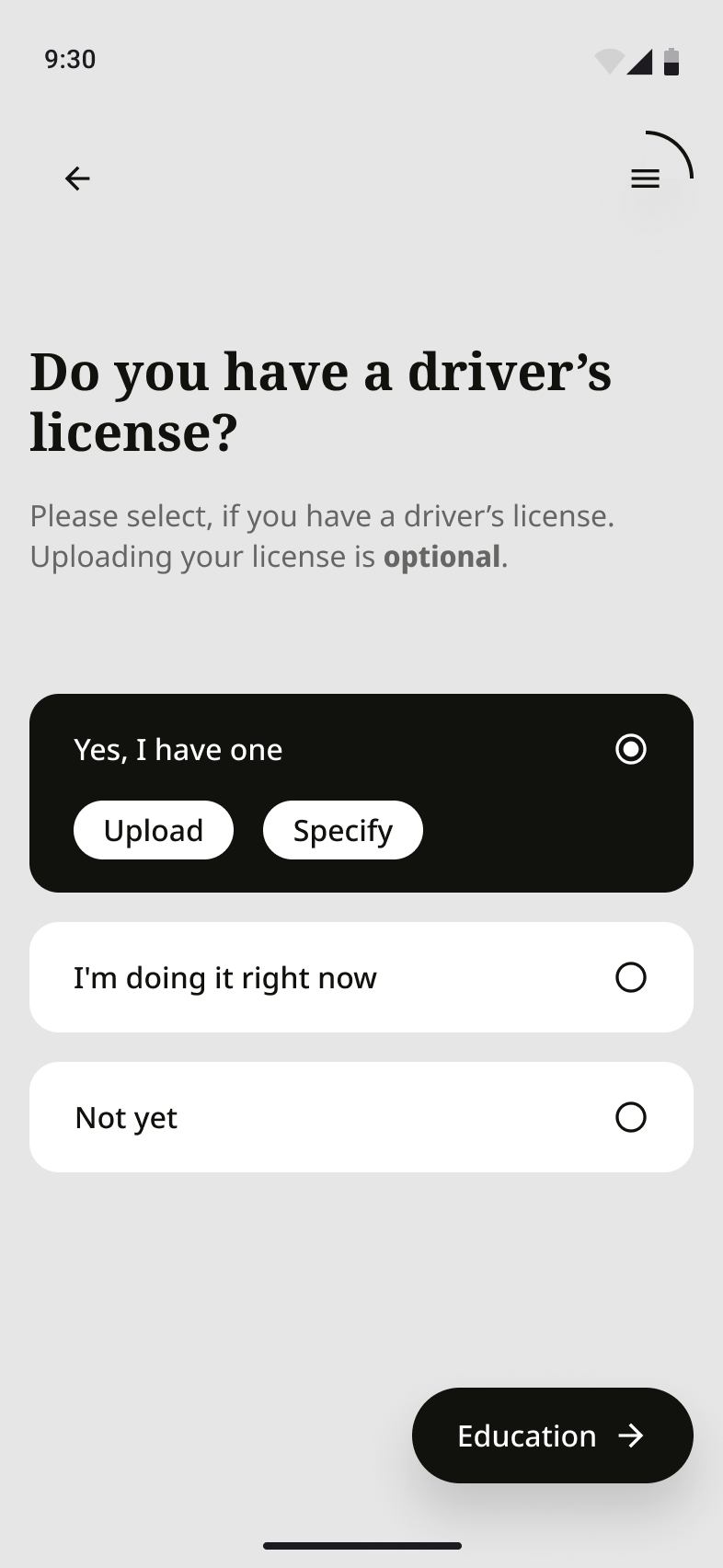
The Continue button appears in each section after all information has been entered. Once the last step section of a section has been reached, the name of the next section also appears.
Integrated subfunctions
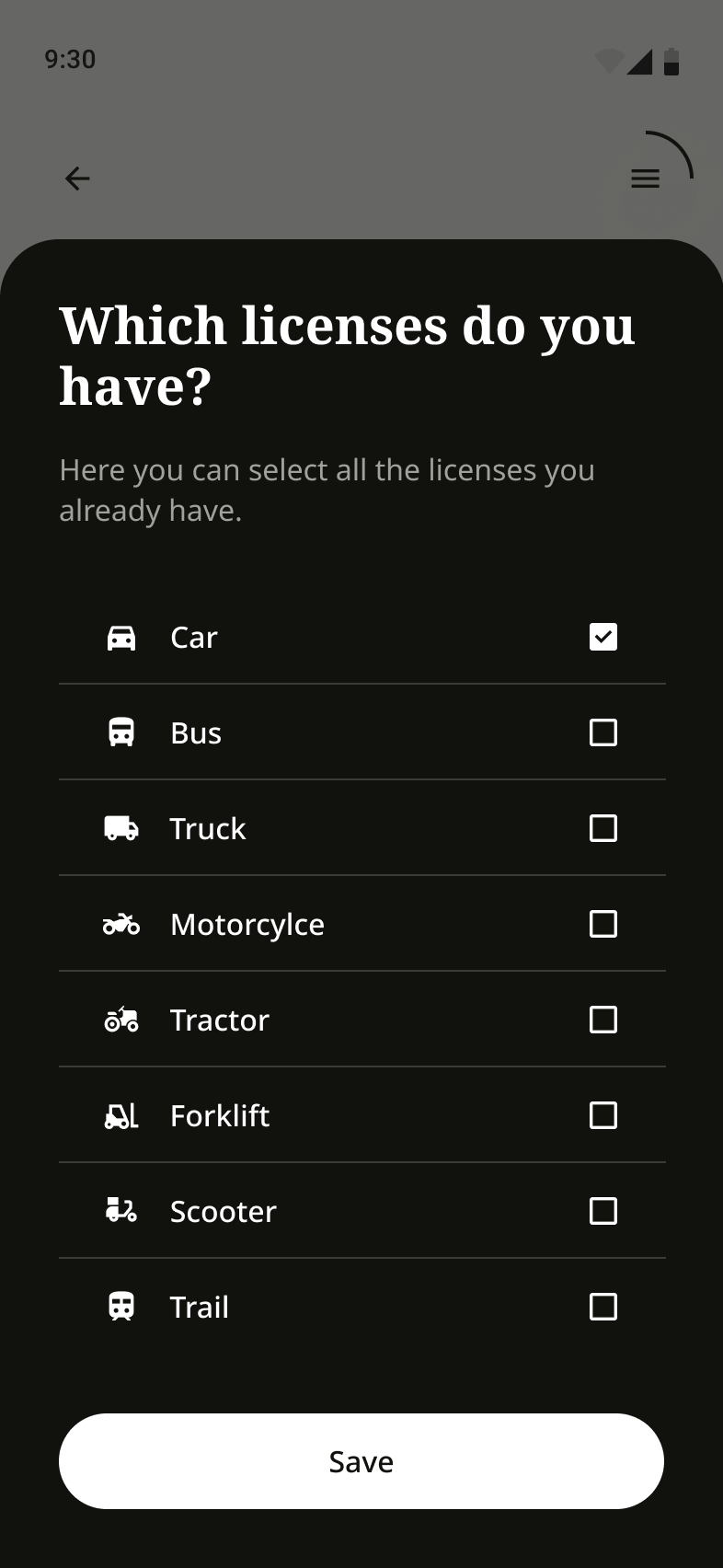
In order to keep the interface as minimal as possible and make subordinate functions easy to locate, additional functions are integrated directly into larger buttons.
Menu
The menu button allows you to view your current progress at any time, and when the menu is open, you can switch back and forth between the sections you have already completed.
Three-stage language selection
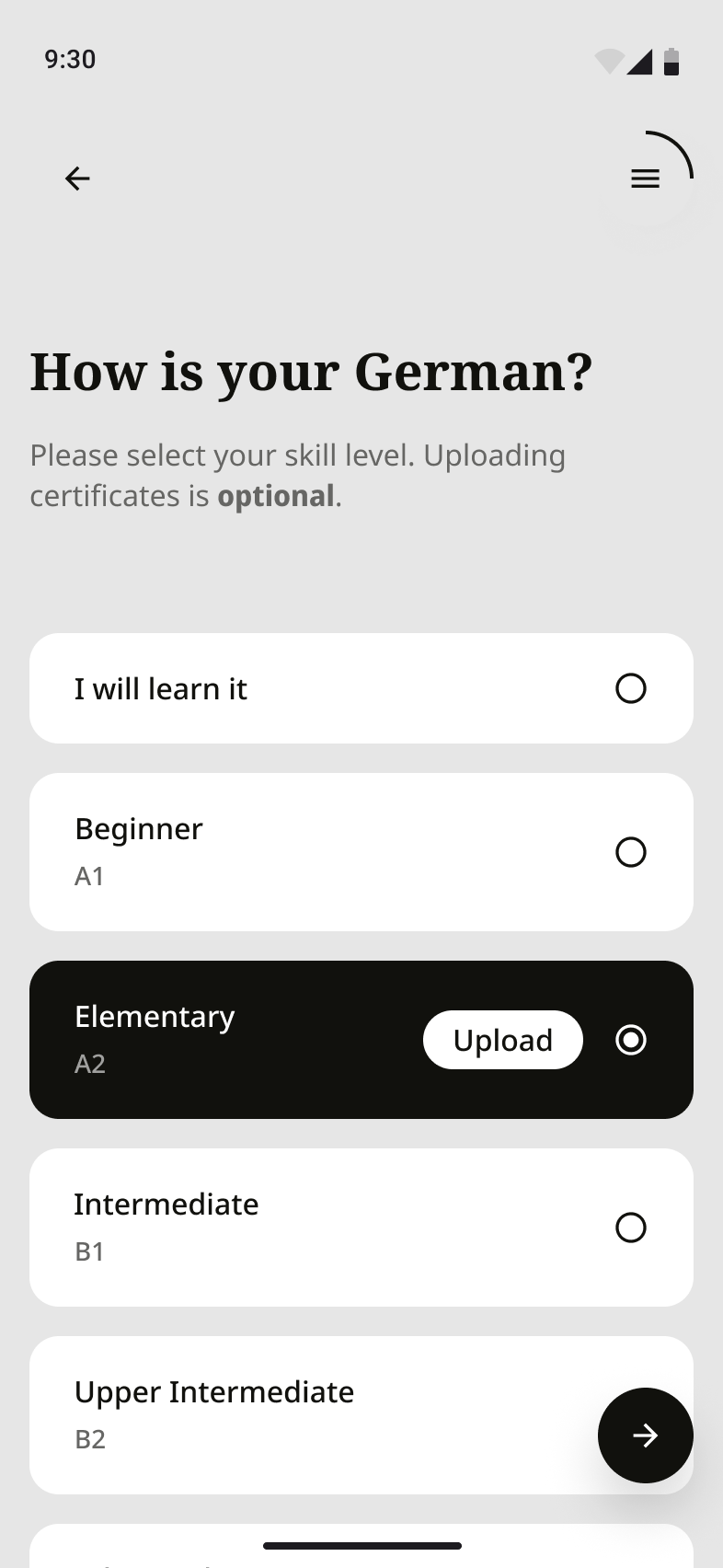
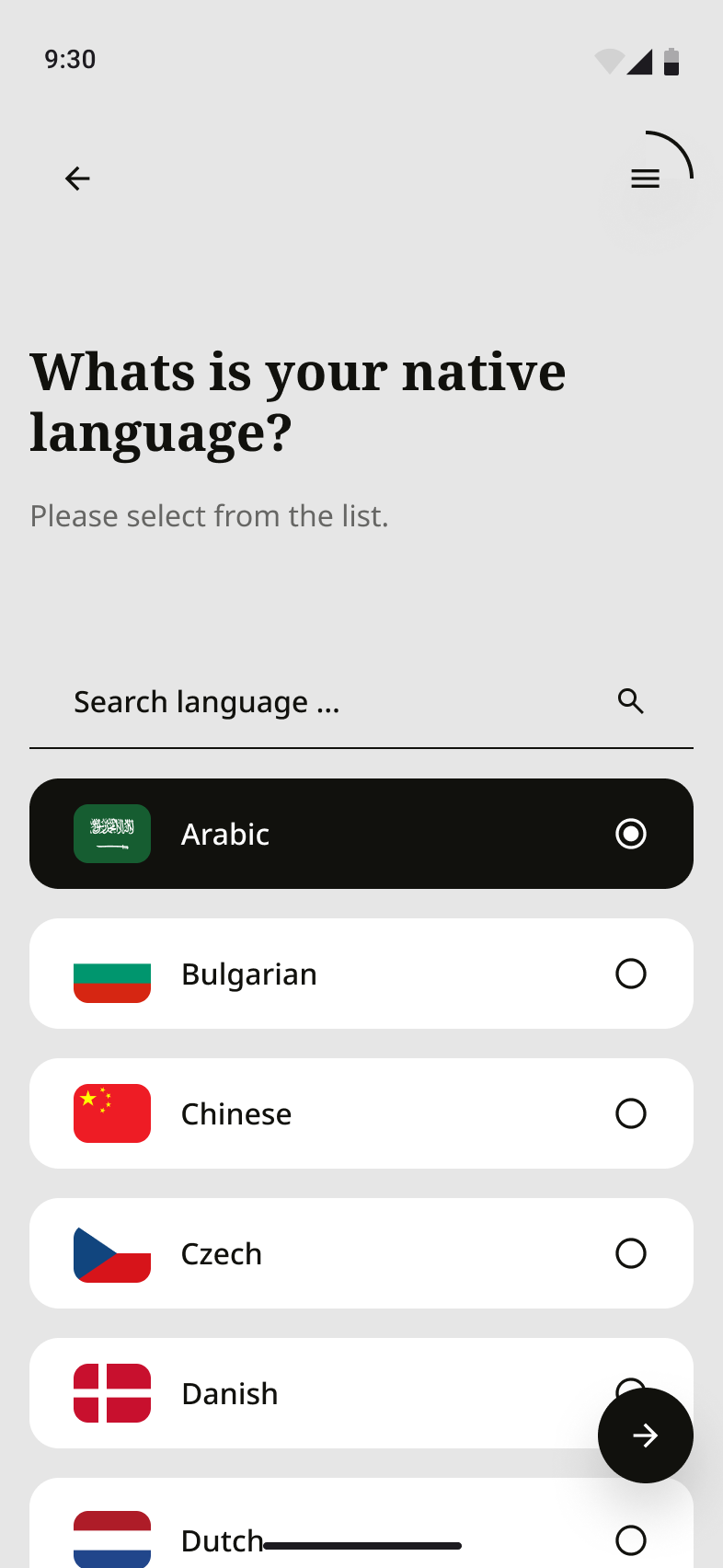
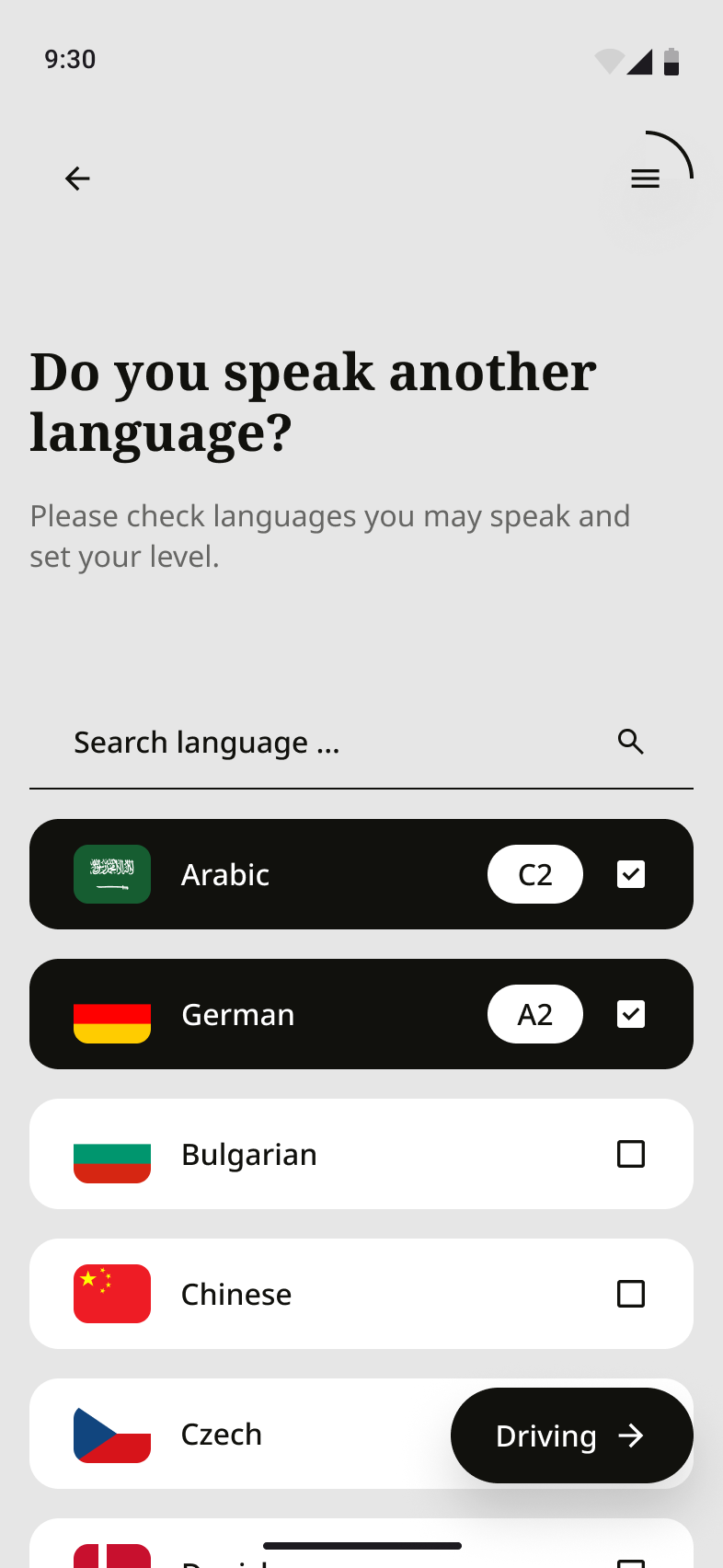
The language selection is made in a three-step process to ensure that the most important information (German and native language) is provided. In the third step, additional languages can be added optionally.
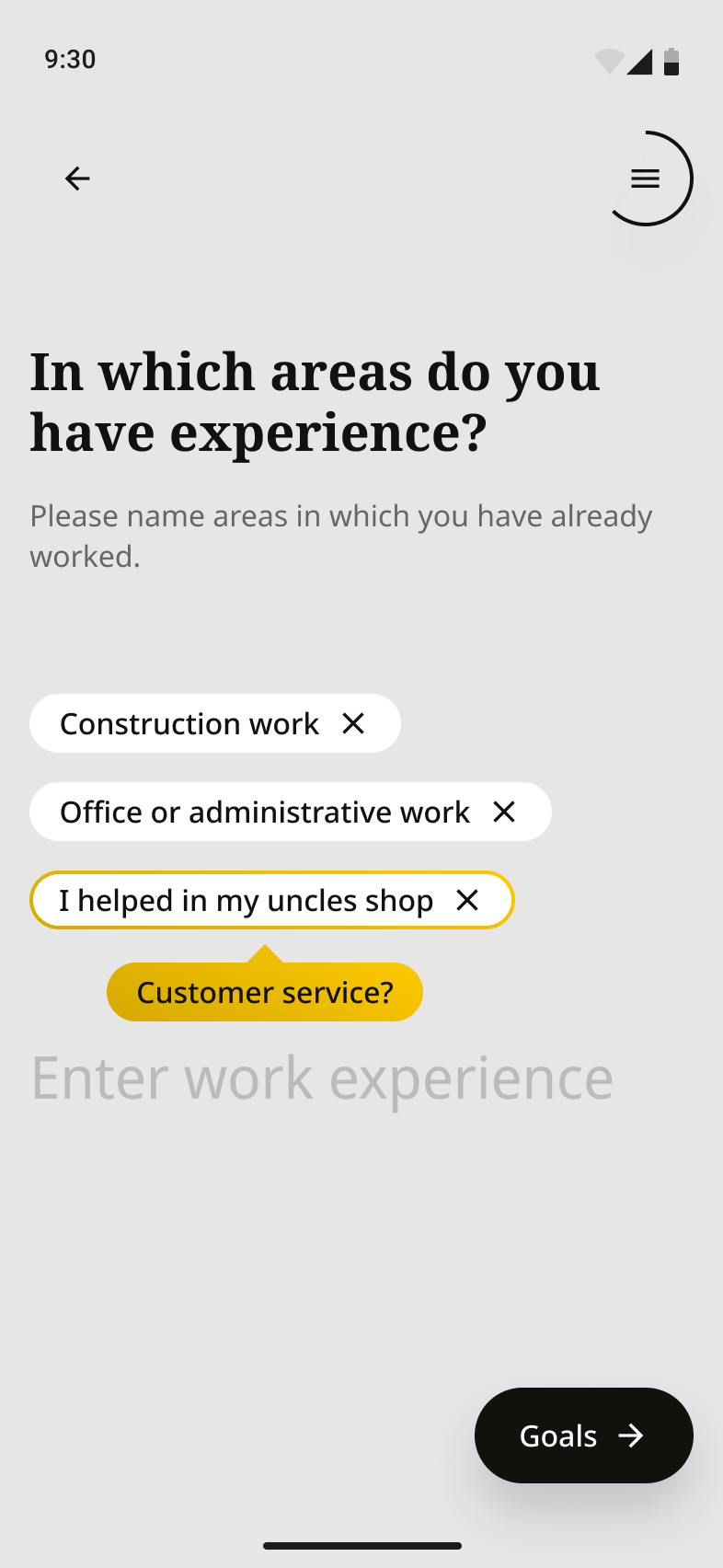
AI proposals
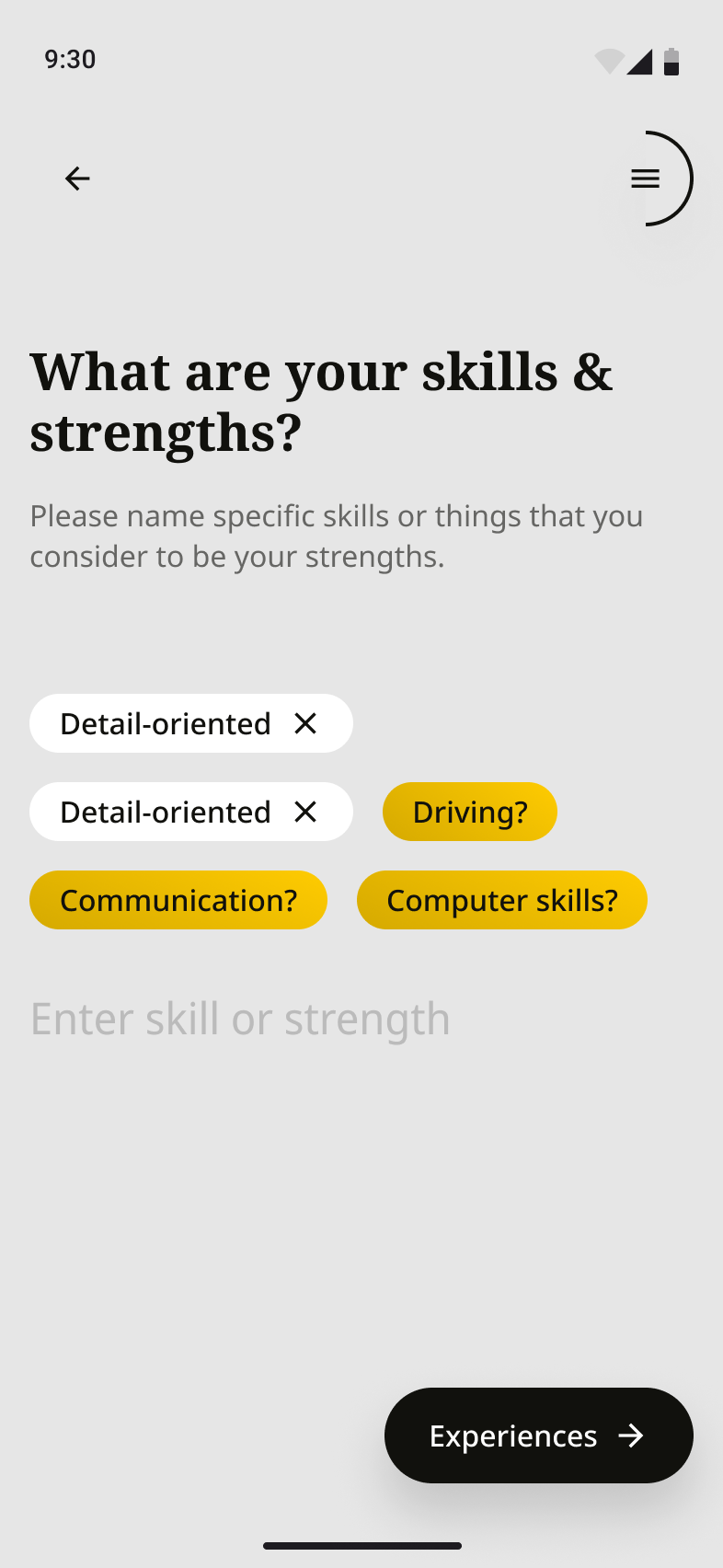
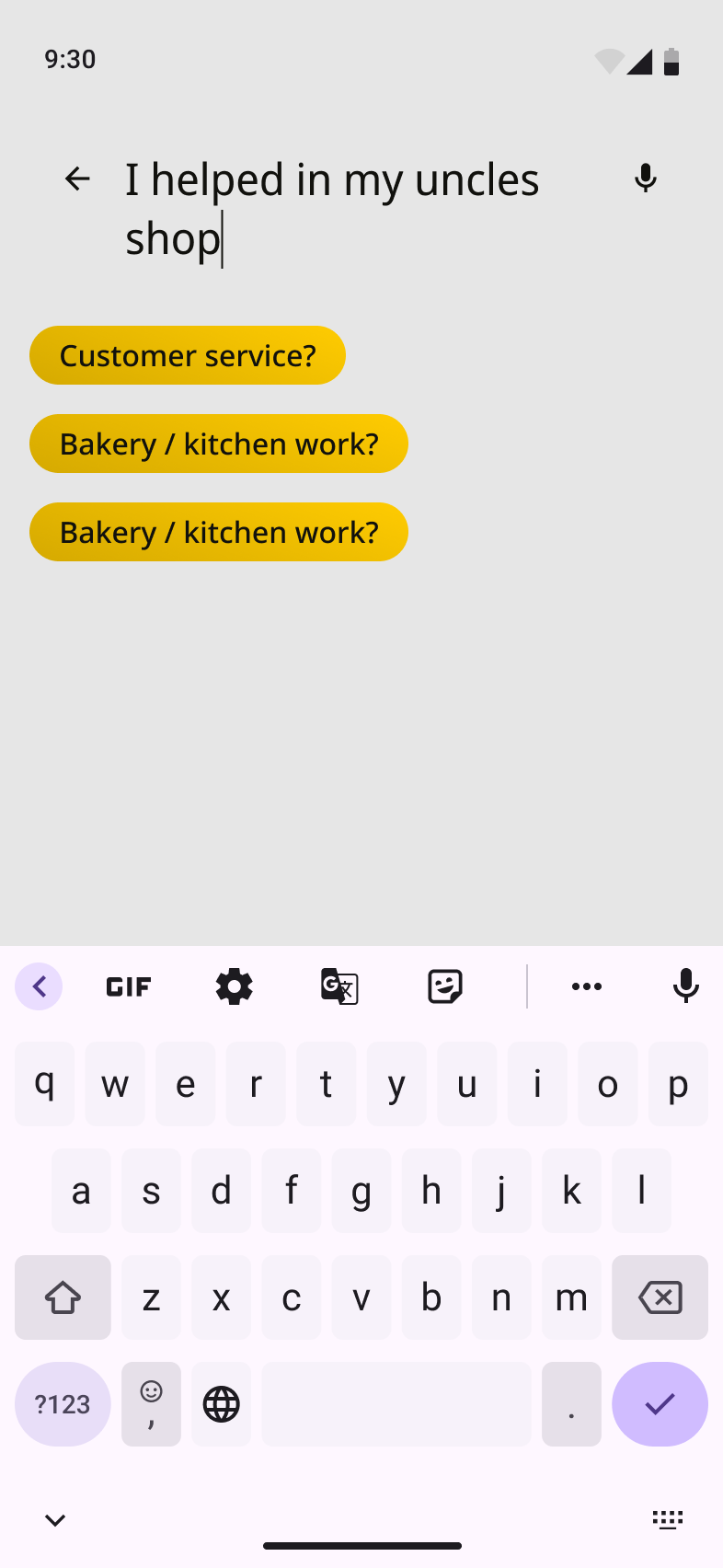
AI is used to assist users, for example, when entering skills and experience. the suggestions are based on previously provided information and contextual knowledge. they are subtly integrated into the interface and recognizable by their own color.
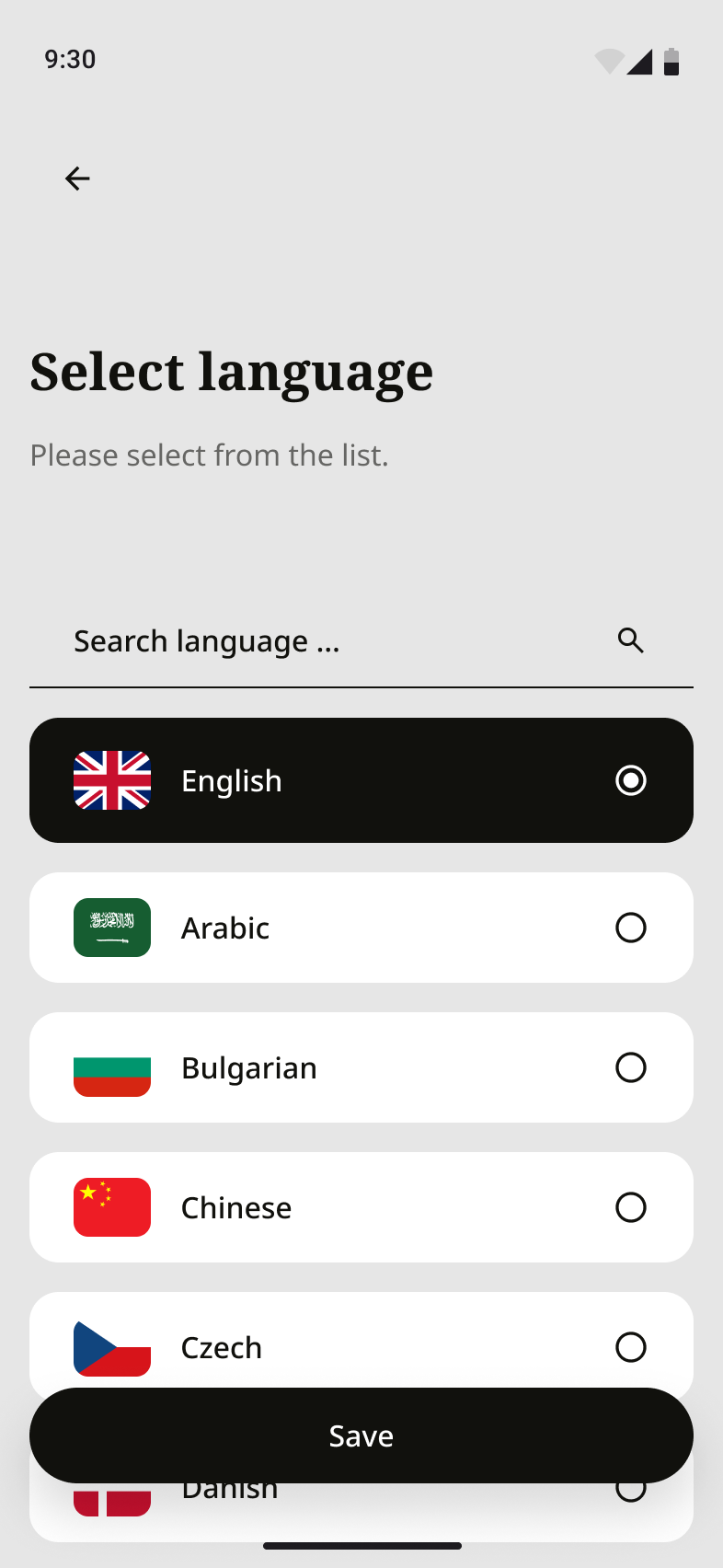
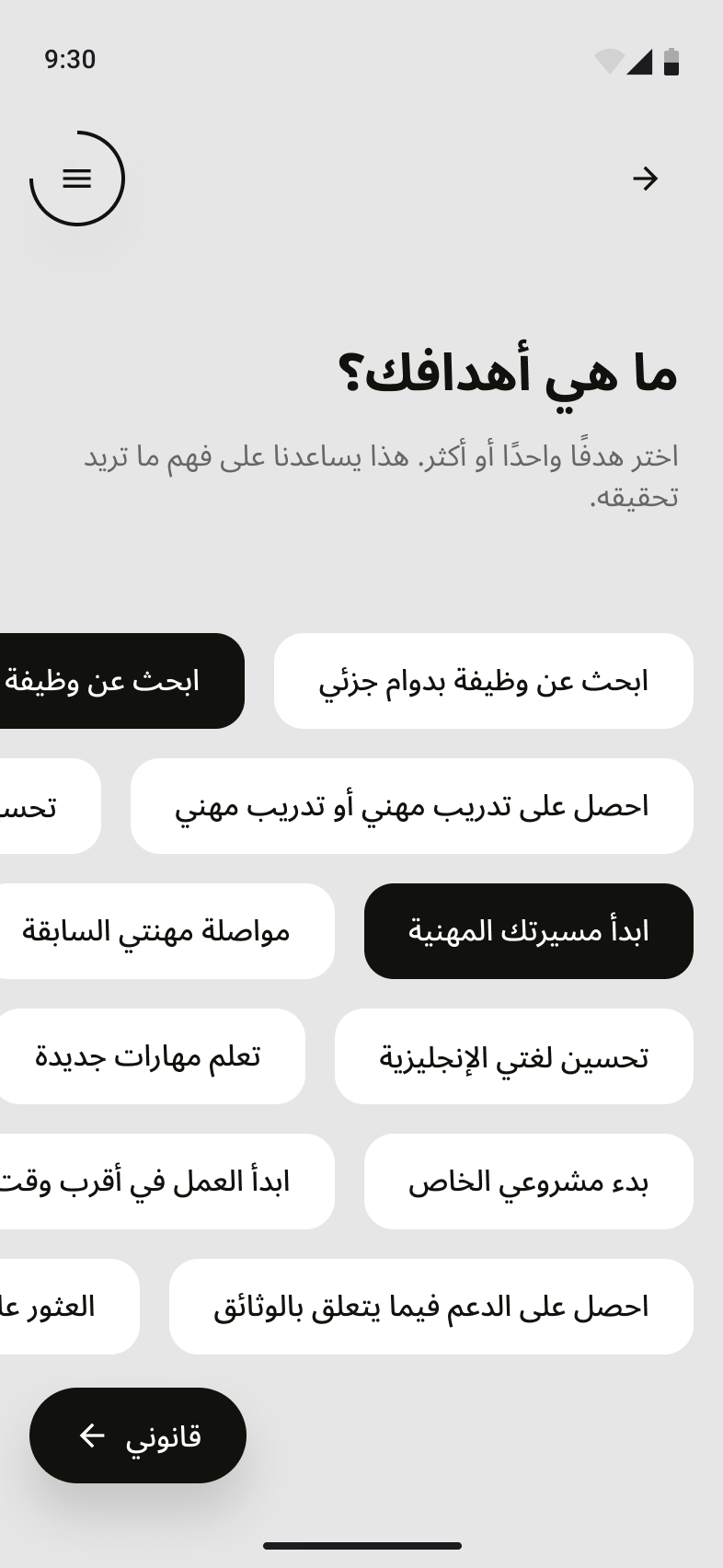
Multilingual
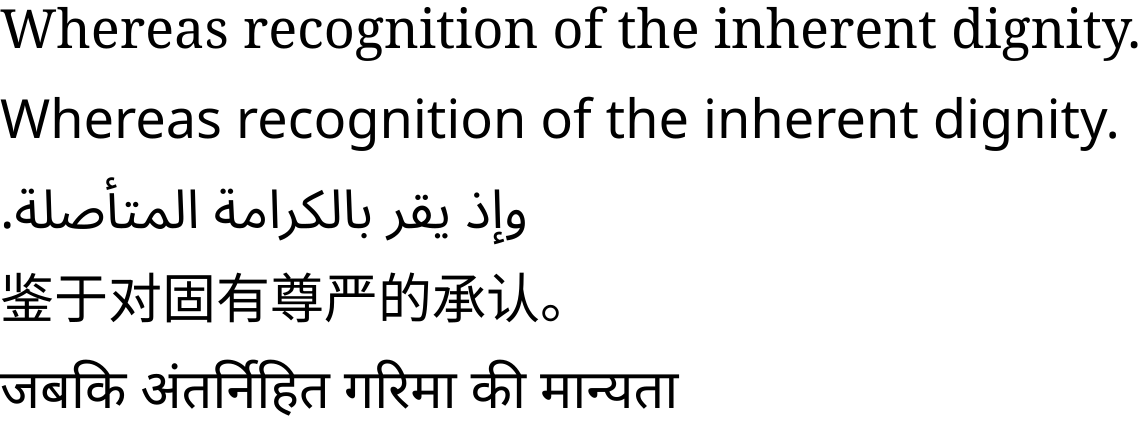
The app was designed in various languages and scripts to provide easy access for refugees from different countries.
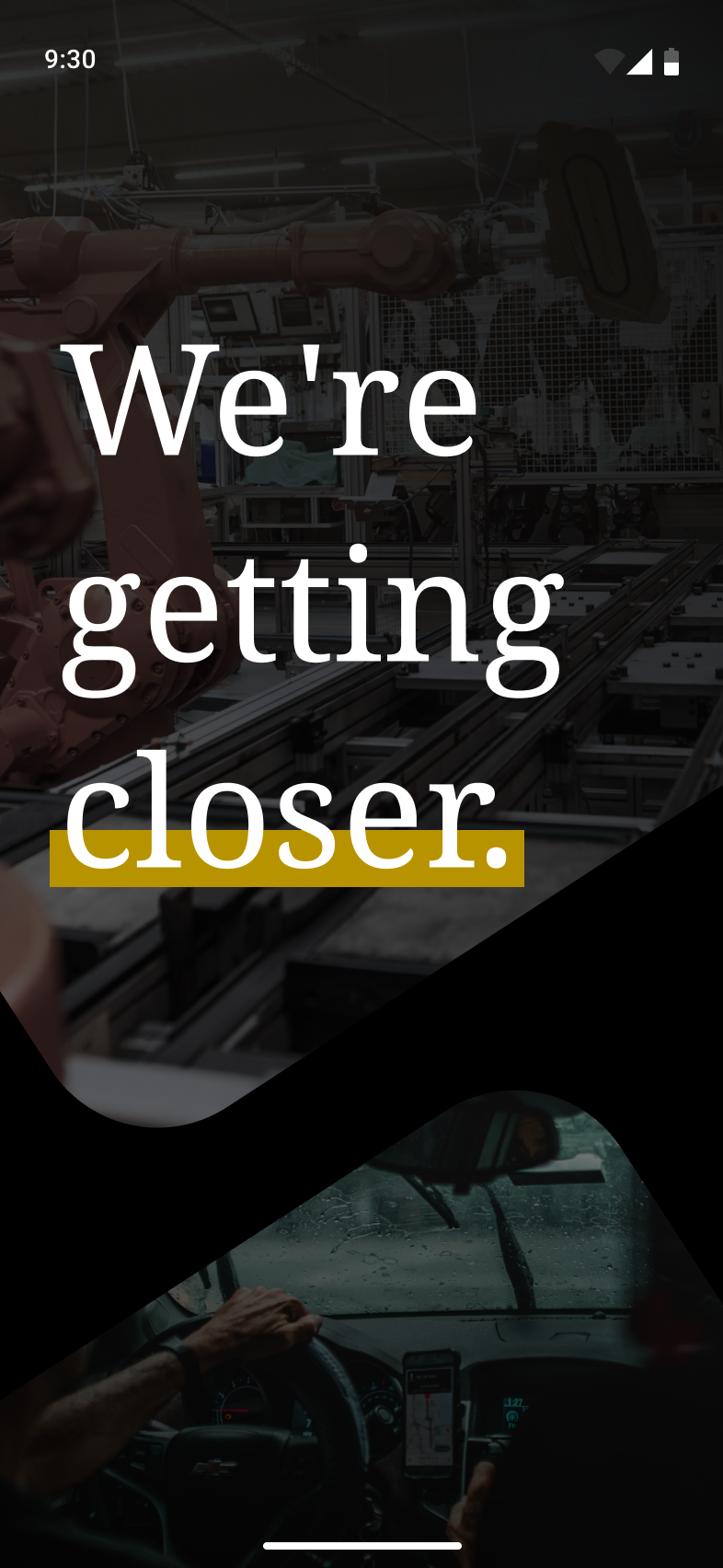
Motivational interludes
Motivational sequences are inserted between the individual sections, in which users are praised for their progress.
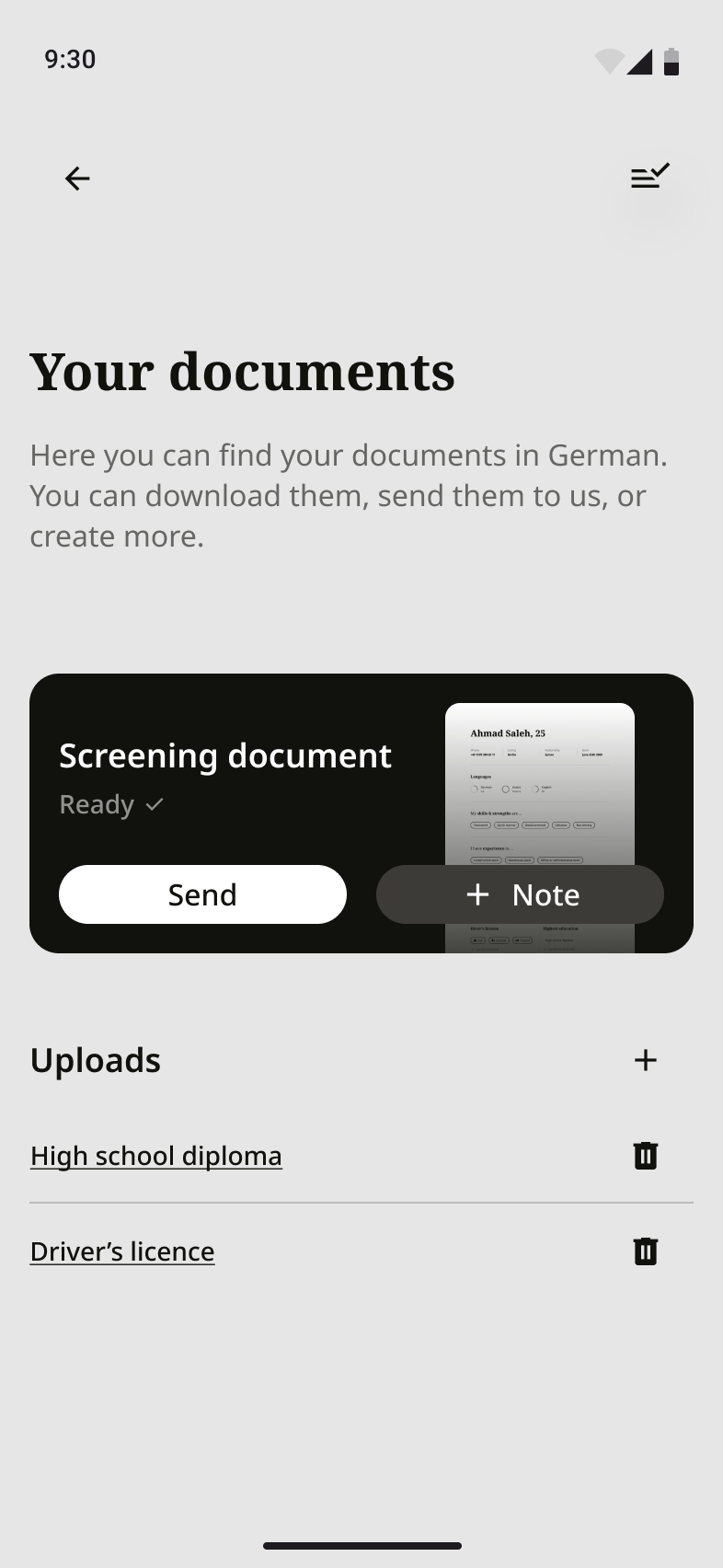
Document overview
At the end, the user has the option to view, edit, or send the documents they have generated. All steps can of course still be edited and the document updated at any time.